Mastering Summer Beach Vector Art: A Guide to Creative Design Elements
Summer is a season that evokes immediate feelings of warmth, relaxation, and vibrant energy. For designers, marketers, and creative enthusiasts, capturing this essence visually is crucial for projects ranging from seasonal marketing campaigns to personal DIY crafts. At the heart of this visual storytelling lies vector art of summer beach elements. These digital illustrations serve as the building blocks for modern design, offering a unique blend of artistic flair and technical flexibility that raster images simply cannot match.
Whether you are an experienced graphic designer looking to expand your asset library or a beginner eager to create custom merchandise, understanding the power and application of vector graphics is essential. This guide explores the significance of high-quality EPS vector illustrations, how they transform creative workflows, and why they remain the gold standard in both print and digital media.
The Power of Vector Graphics in Modern Design
To appreciate the value of summer beach vector art, one must first understand the fundamental difference between vector and raster images. Raster images, such as JPEGs or PNGs, are made up of a grid of pixels. When you enlarge a pixel-based image, it becomes blurry or "pixelated" because the software has to guess what new pixels should look like. In contrast, vector graphics are created using mathematical equations to define lines, curves, and shapes.
This mathematical foundation means that vector art is infinitely scalable. You can resize a vector illustration of a palm tree, a sun, or a seagull to the size of a business card or a billboard without losing a single ounce of quality. This scalability is particularly vital for print-on-demand products, where designs must often be resized for various apparel sizes, from small children's t-shirts to large adult hoodies.
Why Scalability Matters for Your Projects
In the fast-paced world of content creation, versatility is key. A single high-quality vector file can serve multiple purposes across different platforms. Imagine designing a logo for a beach resort. With a raster image, you might need separate files for the website favicon, the letterhead, and the outdoor signage. With a vector file, you have one master source that adapts perfectly to every context. This efficiency saves time, reduces storage clutter, and ensures brand consistency across all touchpoints.
Exploring the Versatility of Summer Beach Elements
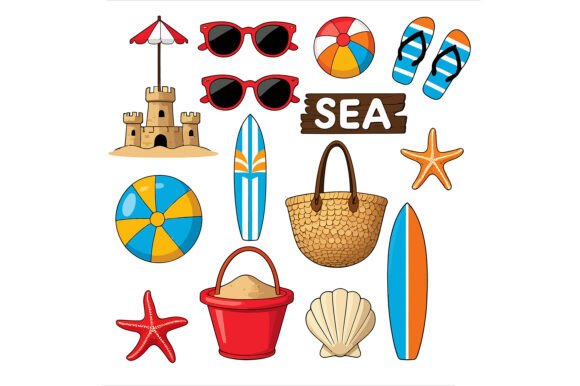
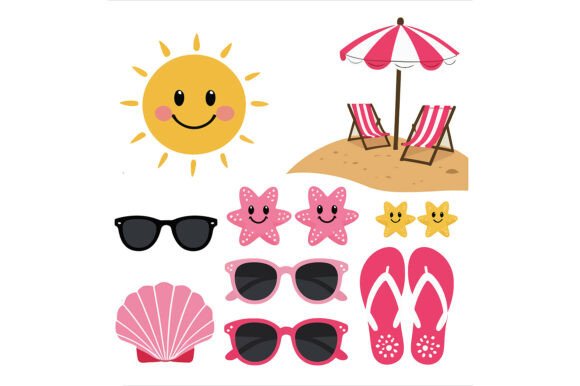
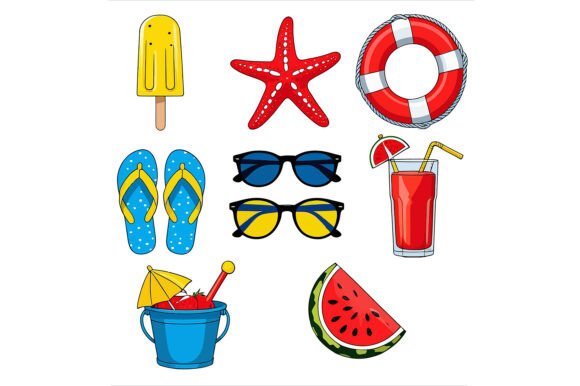
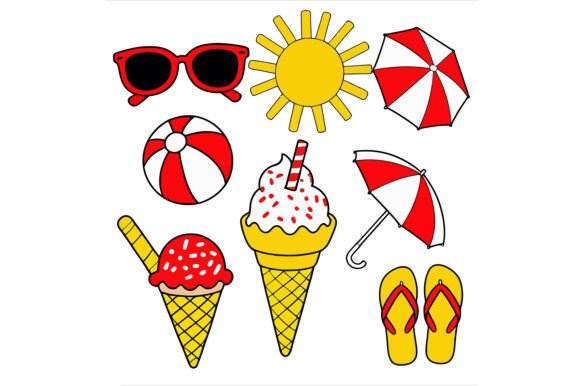
Summer beach elements—such as waves, shells, umbrellas, ice cream cones, and tropical foliage—are more than just decorative motifs. They are powerful communicators of mood and atmosphere. When utilized correctly, these elements can instantly transport the viewer to a sunny coastline, making them indispensable for specific industries and personal projects.
Consider the practical applications of these assets:
- Apparel Merchandise: T-shirts, hats, and tote bags featuring crisp, colorful vector beach scenes are staples of summer fashion. The clean lines of vector art ensure that the design looks professional even after repeated washes.
- Greeting Cards and Invitations: From birthday parties to wedding announcements, beach-themed vectors add a festive and elegant touch. Because vectors are fully editable, you can easily change the text colors or background hues to match a specific color palette.
- Educational Materials: Teachers and curriculum developers use these illustrations to create engaging worksheets about ocean life, geography, or weather patterns. The clarity of vector graphics makes them ideal for printing in classrooms.
- Digital Scrapbooking: Enthusiasts who document their travels or family vacations rely on high-resolution elements to enhance their digital albums. Vectors allow for layering and masking, creating depth and interest in photo compositions.
Understanding File Formats: EPS vs. JPEG
A common point of confusion for beginners is the variety of file formats available when purchasing or downloading digital art. Most comprehensive design packages, including those featuring summer beach themes, provide two distinct types of files: the EPS (Encapsulated PostScript) file and the JPEG file. Understanding the role of each is critical for maximizing the potential of your purchase.
The EPS File: Your Professional Toolkit
The EPS file is the crown jewel of any vector package. It is a fully editable vector format compatible with industry-standard software like Adobe Illustrator, CorelDRAW, and Inkscape. This format allows you to deconstruct the illustration, changing individual colors, reshaping curves, or removing specific elements entirely. For example, if you have a vector set containing a sun, a wave, and a beach ball, you can isolate just the wave and integrate it into a larger poster design without worrying about transparency or background issues.
This level of customization is what separates amateur designs from professional ones. It empowers creators to tailor the artwork to their specific branding needs, ensuring that the final product feels unique and cohesive.
The JPEG File: Quick and Ready-to-Use
While the EPS file offers maximum flexibility, it requires specialized software to open and edit. This is where the included high-resolution JPEG file comes into play. The JPEG provides a ready-to-use option for quick projects where deep editing isn't necessary. If you need to insert a beach element into a PowerPoint presentation, a social media post, or a simple Word document, the JPEG is perfect. It renders immediately and requires no vector software knowledge.
However, users should remember that while the JPEG is high-resolution, it is still a raster image. It should not be scaled significantly larger than its original dimensions, or it may lose sharpness. It serves as a convenient preview or a final output for screen-based use, whereas the EPS remains the source for print and heavy modification.
The Intersection of AI and Human Creativity
In the evolving landscape of digital art, technology plays an increasingly significant role. Many modern vector collections, including the summer beach elements discussed here, are born from a collaboration between artificial intelligence and human expertise. It is important to clarify a common misconception: AI-generated concepts do not replace the artist; they augment the process.
When a design is described as "created with the assistance of AI-generated concepts," it means that AI tools were used to brainstorm ideas, generate initial sketches, or explore color combinations rapidly. However, the final product is not merely a raw AI output. Instead, a skilled designer takes those concepts and fully vectorizes them. This involves manually tracing paths, refining edges, adjusting anchor points, and ensuring that the geometry is mathematically sound for professional printing.
This hybrid approach combines the speed and creativity of AI with the precision and quality control of human craftsmanship. The result is an original illustration that benefits from cutting-edge technology while maintaining the high standards required for commercial use. It ensures that the final EPS file is clean, organized, and free of the artifacts often found in unedited AI images.
Practical Tips for Using Vector Beach Art
Once you have acquired your vector files, how do you get the most out of them? Here are a few strategies to elevate your projects:
- Experiment with Color Palettes: Since vector files are fully editable, don't stick to the default colors. Try shifting the hues to match current trends or your brand identity. A sunset palette of oranges and purples can transform a standard beach scene into a moody evening vibe.
- Create Layered Compositions: Use multiple elements to build depth. Place a silhouette of a palm tree in the foreground and a gradient sky in the background to create a sense of perspective.
- Combine with Typography: Vector art pairs beautifully with bold, custom fonts. Use the negative space within the illustration to place text, creating integrated logos or headlines for posters.
- Test Before Printing: Even though vectors are scalable, always check your final design at 100% zoom before sending it to a printer. Ensure that all strokes are thick enough and that no details are lost in translation.
Conclusion: Elevating Your Creative Potential
Vector art of summer beach elements represents more than just a collection of pretty pictures; it is a versatile toolkit for modern creators. By offering infinite scalability, full editability, and compatibility with both print and digital mediums, these assets empower individuals and businesses to bring their visions to life with confidence. Whether you are crafting a DIY project, launching a print-on-demand store, or designing educational materials, the combination of high-quality EPS files and ready-to-use JPEGs ensures that you have the right tool for every job.
As we embrace the synergy between AI innovation and human artistry, the quality and accessibility of such resources continue to improve. By understanding the mechanics of vector graphics and the specific advantages of formats like EPS, you position yourself to create work that is not only visually stunning but also technically robust. So, whether you are designing a logo, a wall art poster, or a simple greeting card, let the vibrant spirit of summer inspire your next masterpiece.